


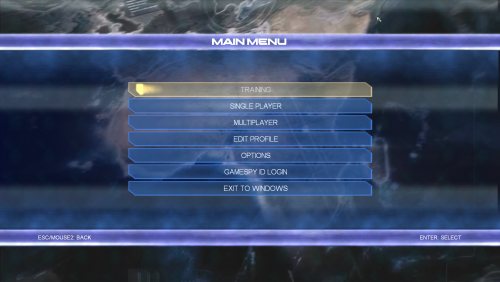

About This File
This file contains improvements for games made by Pivotal Games. Copy the data from the corresponding folder into the selected game. Start the game with admin rights.
Common Features:
- Resolution selector unlocked
- FOV scaling and optional multiplier in the scripts/ConflictFixer.ini
- The game won't disable certain settings if you use dgvodoo
- Initial Discord rich presence support
- Contains wrappers to fix compatibility problems
Conflict: Desert Storm
- Framerate limited to 60 to prevent timing anomalies
- It disable the framelimit on the loading screen to decrease loading times
Conflict: Desert Storm 2
- Framerate limited to 60 to prevent timing anomalies
- The main menu slightly changed to fix the misaligment on widescreens
Conflict: Vietman
- Framerate limited to 60 to prevent timing anomalies
- Upscaled video pack available here
- Installing the upscaled video pack raise the frame limit in the main menu 25->60
Conflict: Global Storm (Global Terror)
- Multiplayer restored via Openspy
- Automatic portforwarding using UPnP
- The game uses bigger fonts in unsupported resolutions
- Upscaled video pack available here
- Installing the upscaled video pack raise the frame limit in the main menu 25->60
Conflict: Denied Ops
- Multiplayer restored via Openspy
- Automatic portforwarding using UPnP
The Great Escape
- Skip the company logos
- Framerate limited to 60 to prevent timing anomalies
- The game doesn't skip rendered videos
- Fix the journey and the page turn animation
- Upscaled video pack available here
Notes: The manual video skipping in The Great Escape may require 2 or more slow mouse clicks. Using BandiCam tend to cause crashes.
What's New in Version 1.4.1
Released
Added support for the russian version of the great escape






Recommended Comments
Join the conversation
You can post now and register later. If you have an account, sign in now to post with your account.