
Search the Community
Showing results for tags 'harry potter and the half blood prince'.
Found 1 result
-
Version 1.0.0
756 downloads
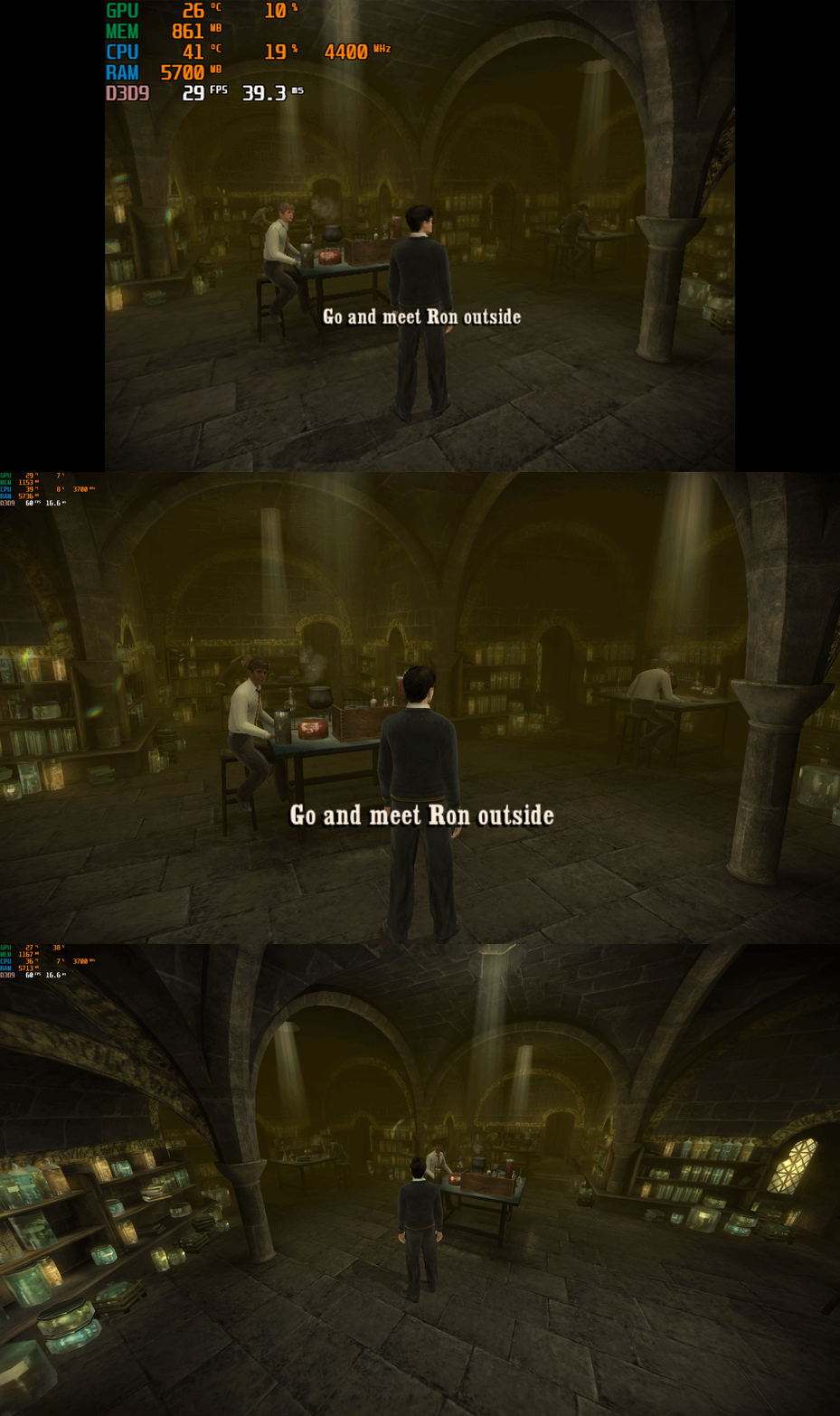
Harry Potter and the Half-Blood Prince – PC Fix This fix adds modern PC features to Harry Potter and the Half-Blood Prince, including widescreen resolution support, aspect-ratio correction, 60 or 120 FPS options, and optional FOV adjustments. It is based on Elisha Riedlinger’s Direct3D 9 wrapper and expanded with additional enhancements and patches by Chip. Features included in this fix Widescreen and ultrawide resolution support Correct aspect ratio options FOV / camera distance adjustments (0–3 levels) 60 FPS or 120 FPS frame-rate versions Editable d3d9.ini configuration Optional Nvidia Control Panel settings to fix stutter for affected users How to use Launch the game once, open the Video Options, set the resolution to 640x480, then exit the game. This step is required so the wrapper initializes correctly. Download the folder; inside there are two folders. Choose the one which matches your monitor’s refresh rate (60 FPS for 60 Hz, 120 FPS for 120 Hz and above). Put d3d9.dll, d3d9.ini, and fps.dll into the game folder next to HP.exe. Edit d3d9.ini to set your preferred resolution, aspect ratio, FOV, and other options. Additional notes If the resolution does not apply automatically, select it once inside the in-game Video Options. AspectRatio in the ini file uses numbered presets. The default is 0 (16:9). FOV values 1–3 move the camera further back. Value 0 keeps the original game camera. If FPS is stuttery or unstable, set the FPS cap in d3d9.ini to 0 (uncapped), then configure the game in your GPU control panel: Low Latency Mode: Ultra Max FPS: 278 V-Sync: Fast This also fixes issues where the mouse cursor jumps or spins across the screen. A full installation walkthrough is available in the video below. Official video guide https://www.youtube.com/watch?v=DTkDNoQrxhU Issues/Problems If you have any issues, with the fixes then please go to discord for help linked below. https://discord.gg/eVJ7sQH7Cc Vote to see the game return via GOG Dream list If you are interested in potentially seeing this game easily available to purchase and use today then go and vote on the games GOG Dream list to help make this become a reality, you can vote for the game here and write a message about the game if you wish – https://www.gog.com/dreamlist/game/harry-potter-and-the-half-blood-prince-2009 Credits Base wrapper by Elisha Riedlinger & ThirteenAG. Additional game-specific patches, reverse engineering, enhancements, and configuration by Chip. Fix Enhancers https://fixenhancers.wixsite.com/fix-enhancers “Creating compatibility fixes and enhancements for legacy PC games.” Chip – founder, reverse engineer, programmer, developer, game preservationist JokerAlex21 – founder, admin, tester

