
Search the Community
Showing results for tags 'x-btf'.
Found 1 result
-

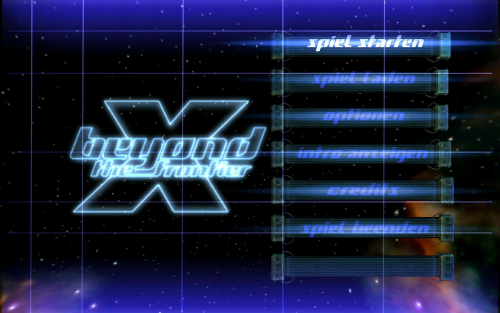
Version 1.0.0
22 downloads
Description: XP-compatible ASI build of the original X: Beyond the Frontier - FOV Fix. This version is intended for legacy Windows XP setups and fixes Vert- style image cropping/stretching on widescreen resolutions by correcting the in-game FOV behavior. Mini installation guide: 1. Copy dinput.dll (Universal Windows XP ASI Loader) into the game folder (next to X.exe). 2. Copy X-Beyond-The-Frontier-FOV-Fix-WinXPEdition.asi into the same folder. 3. Copy X-Beyond-The-Frontier-FOV-Fix-WinXPEdition.ini into the same folder. 4. Configure resolution in the INI: Width = 0 and Height = 0 = auto-detect desktop resolution or set manual values (for example 1920 / 1080) 5. Start the game. Testet with X-BtF Version 2.2 (July 2010) Known Bugs: Use Turbo of X-Ship resets Fov to wrong value. Press F12 and click cancel in the Menu, to fix this. Credits: Original fix and concept: AlphaYellow Original PCGW release: https://community.pcgamingwiki.com/files/file/3934-x-beyond-the-frontier-fov-fix/ Original source code: https://github.com/alphayellow1/AlphaYellowWidescreenFixes/blob/main/source/fixes/XBeyondTheFrontierFOVFix/dllmain.cpp Windows XP adaptation/build: based on the original patch above. Universal Windows XP ASI Loader builded by my self.
