
Search the Community
Showing results for tags 'shinji mikami'.
Found 1 result
-

Version 1.0.0
32 downloads
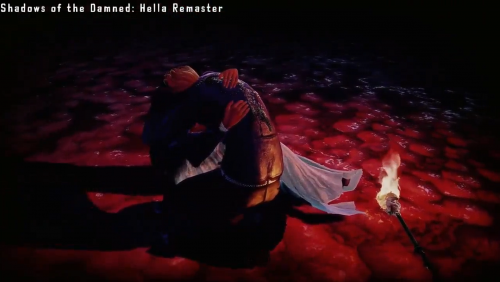
This is mod fixes an oversight by the remaster developers where soundnode S158 was misplaced in the Paula_Env3_Cutscene_LOC_INT package resulting in the final dialogue between Garcia and Paula after the boss fight to be missing, this issue was not present in the JP Dub as the file was properly referenced within the package. More Info: https://x.com/arhu_mk/status/2014432664313319505 -------------------------- Install instructions: - This requires Python to be installed on your machine. Part 1 - The Unpacking 1. Acquire the SOTD data.vfs unpack script: https://github.com/LinkOFF7/GameReverseScripts/blob/main/sotd_hella_remastered_vfs3_extract.py 2. Navigate to game install directory and open the 'fishgame' folder, copy the sotd_hella_remastered_vfs3_extract.py to this folder 3. Drag and drop data.vfs into sotd_hella_remastered_vfs3_extract.py (or use the command line if you wish) and the script should start unpacking the game files. 4. Important! Once it has finished unpacking, delete or move the data.vfs file somewhere else as the game takes priority to it over loose files. Part 2 - The Modding 1. Download TFC Installer: https://www.nexusmods.com/site/mods/588 and run the program 2. Set 'Game Folder' to your game install directory (e.g. ...\steamapps\common\ShadowsOfTheDamned) 3. Set 'Mod Folder' to 'Paula Missing Dialogue Fix' 4. Click 'Update Shadows of the Damned' -------------------------- Special Thanks 12 DannyDataly's stacked on top of each other - https://www.paradisehotel51.com MEGAnaire - https://www.deathblowicons.com wak - https://steamcommunity.com/id/dusmanul-din-sanitar fdgsz - @TravisTchDown LinkOFF7/GameReverseScripts

